The concept of presentations is something we encounter as early as primary school. Working with PowerPoint and similar programs is a standard part of computer science and other subjects. Whether it's showcasing a product, outlining a business strategy, or motivating employees, presentations are typically supported by media content—be it slides, videos, or other visual elements.
At Hurricane, we’ve provided technical support for thousands of presentations—from the smallest setups with an LCD TV to large stages with expansive LED screens or custom-designed projection setups. Let’s take a look at the current technological options that presenters can leverage today.
Display media:
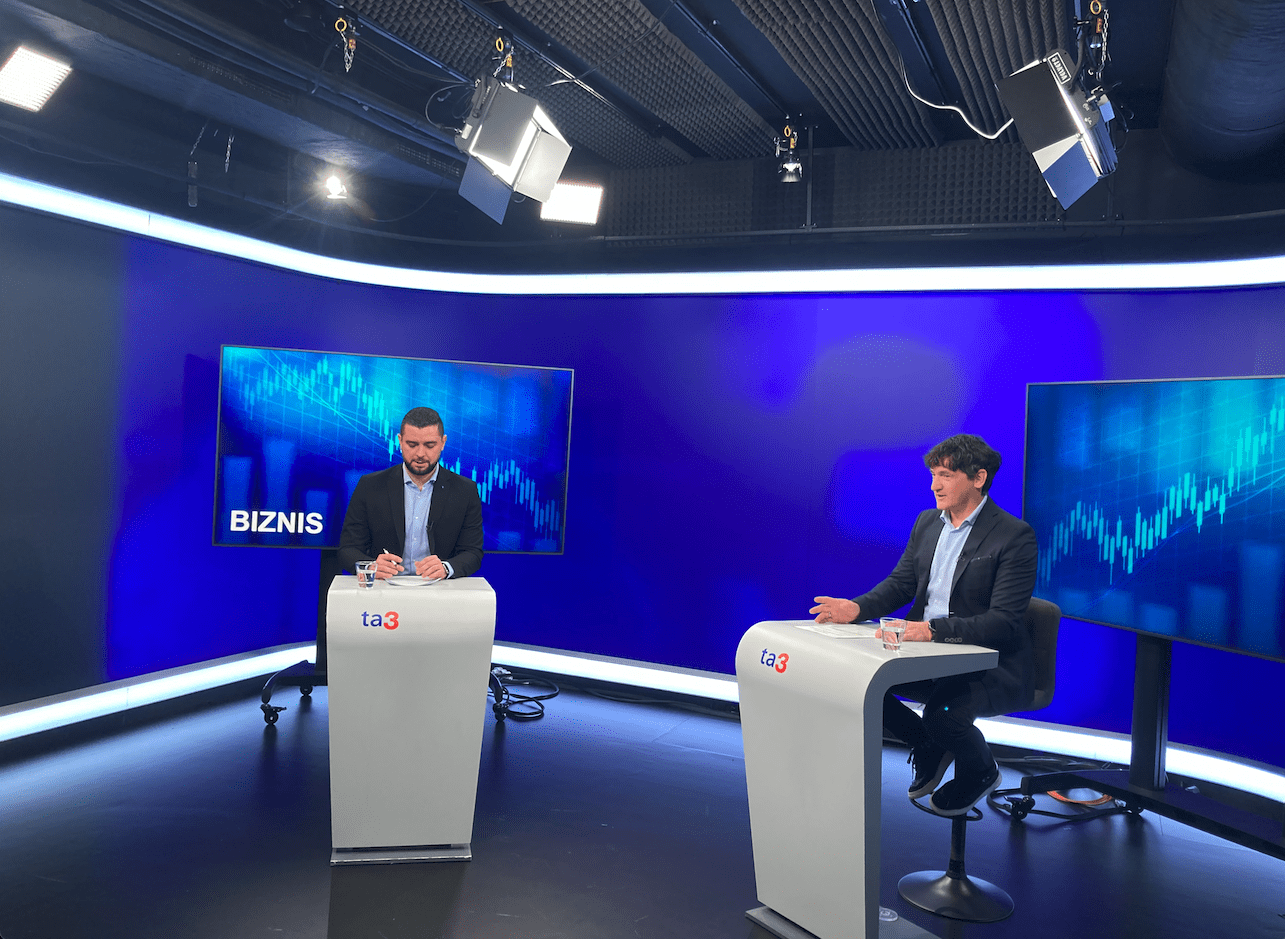
For small venues, we typically use LCD TVs mounted on tall stands to ensure good visibility. Our portfolio includes over 100 LCD screens in various sizes—check out our latest catalog. A particularly engaging option is the touch-enabled LCD, which allows the presenter to click or draw directly on the screen using a stylus. LCD TVs are plug-and-play devices—they require no setup or dark lighting conditions, which is a major advantage over the traditional projector and screen solution
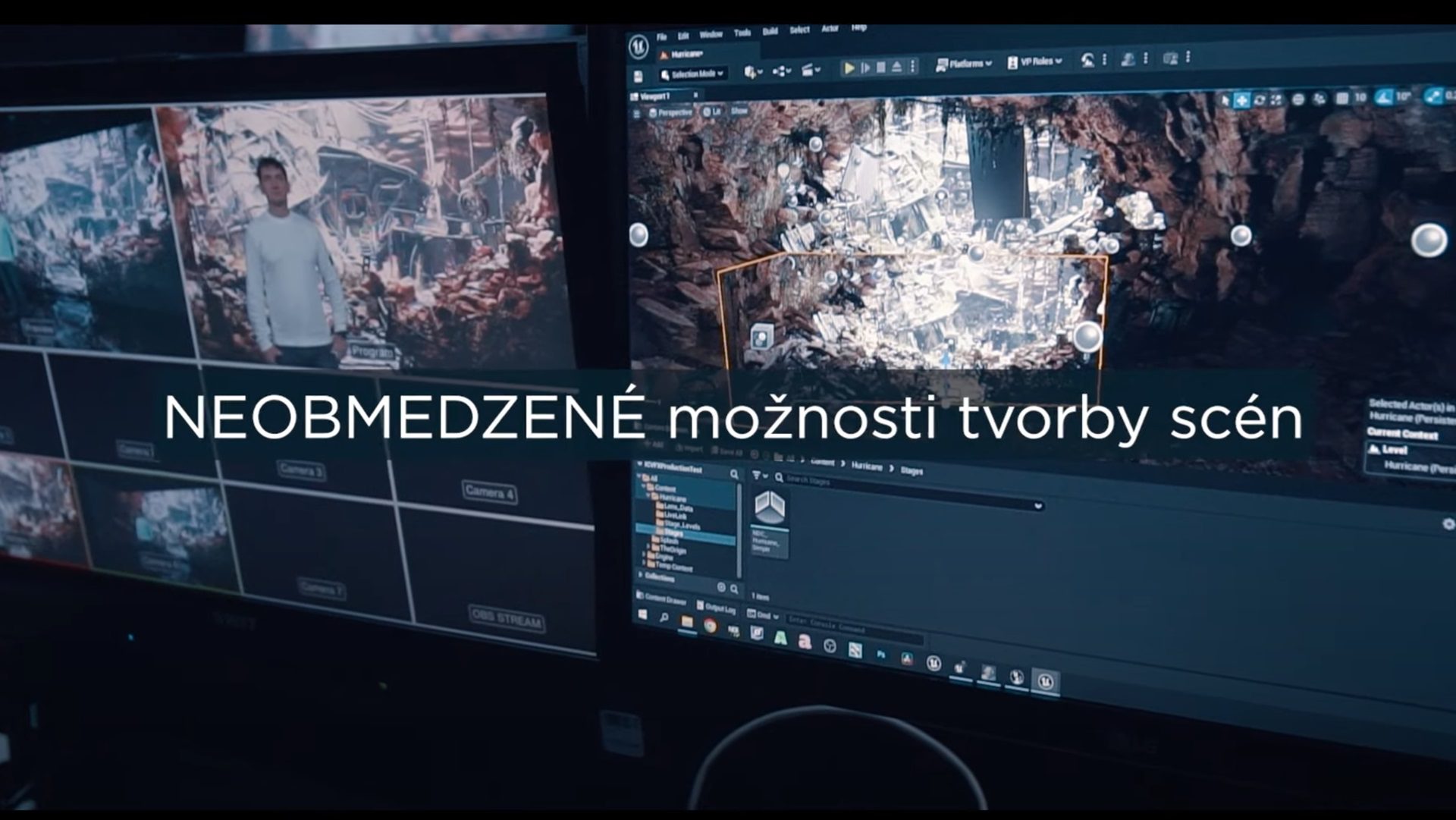
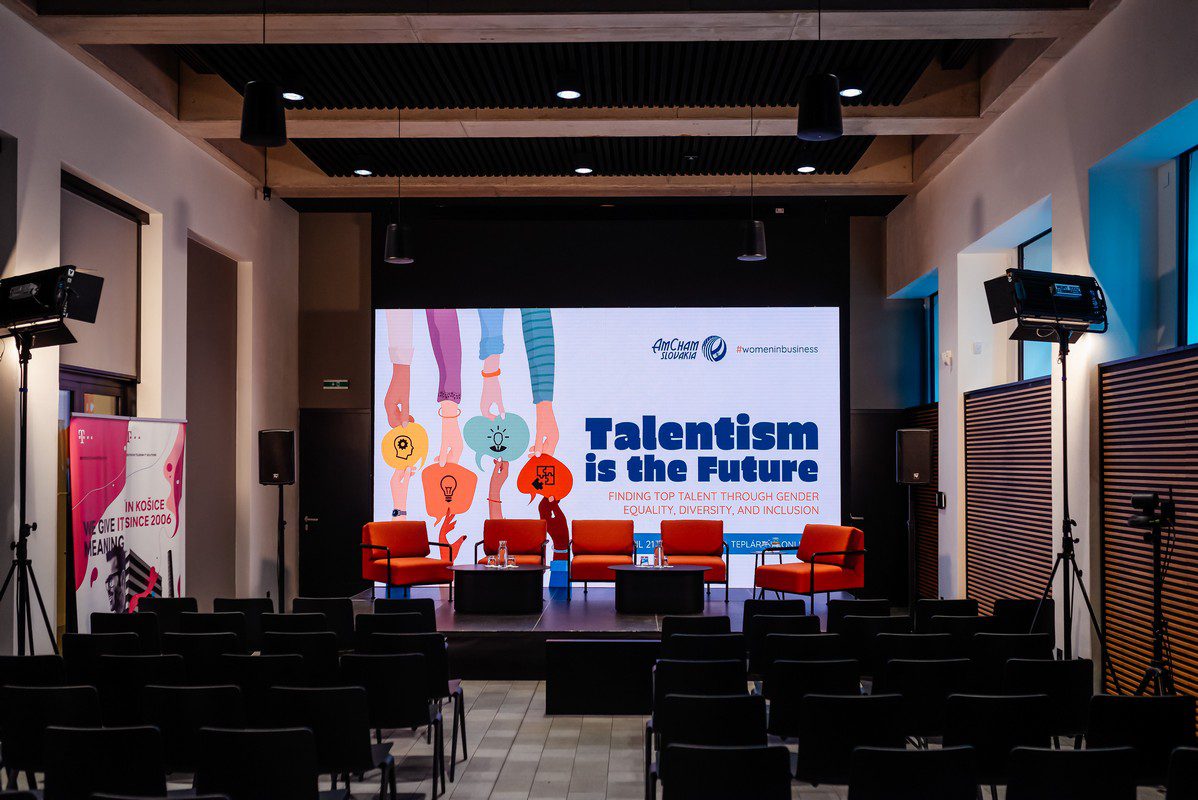
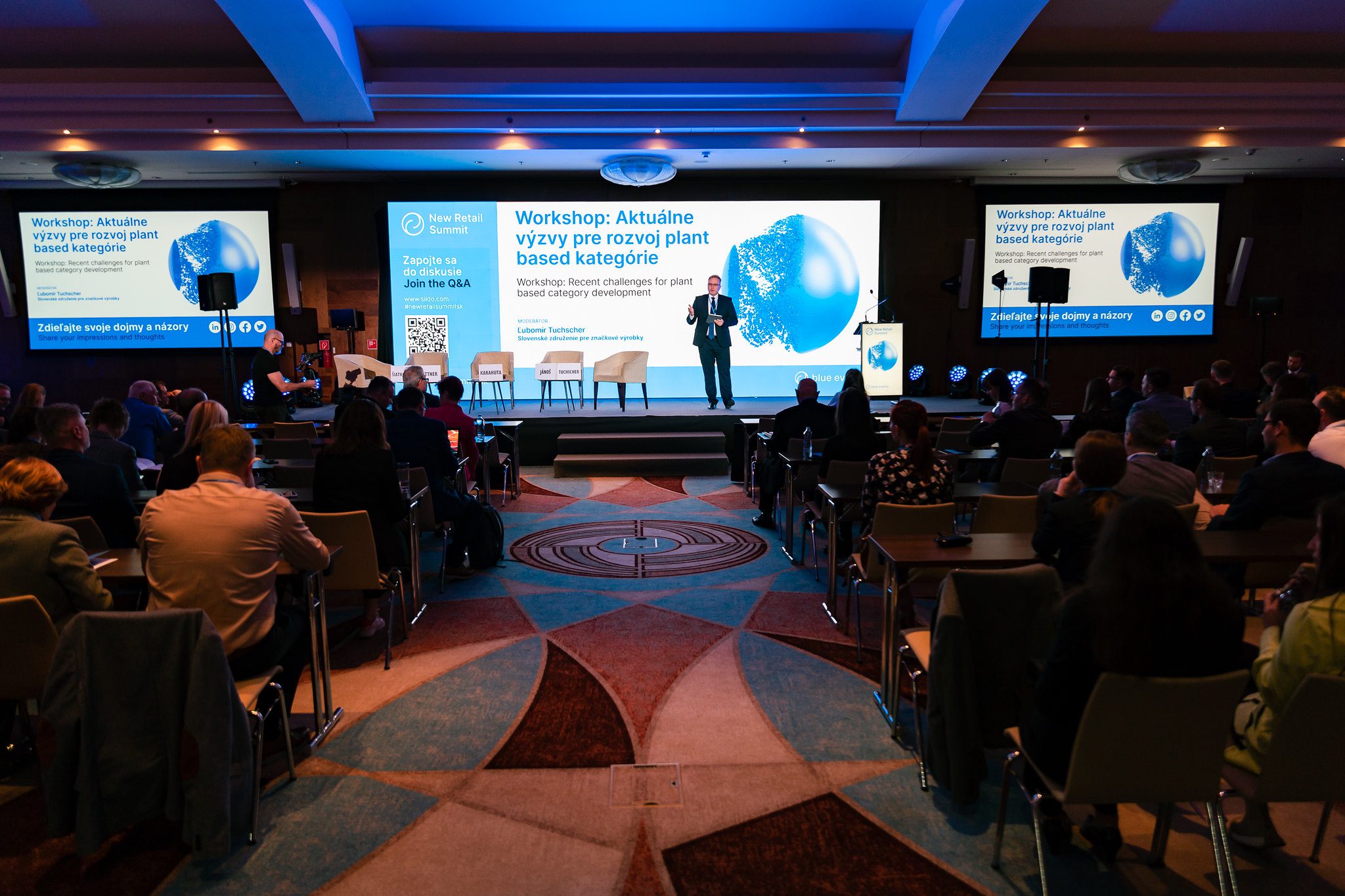
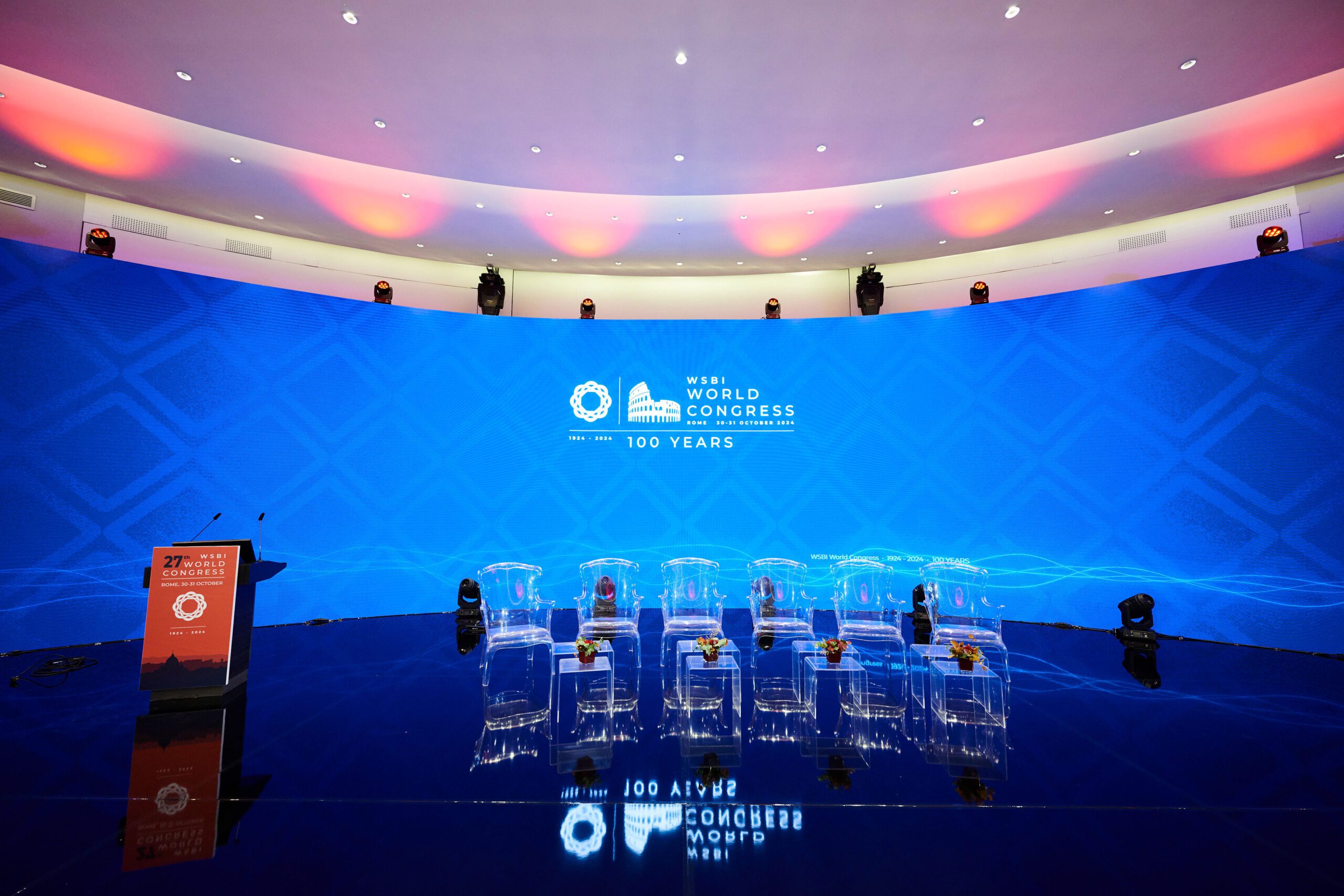
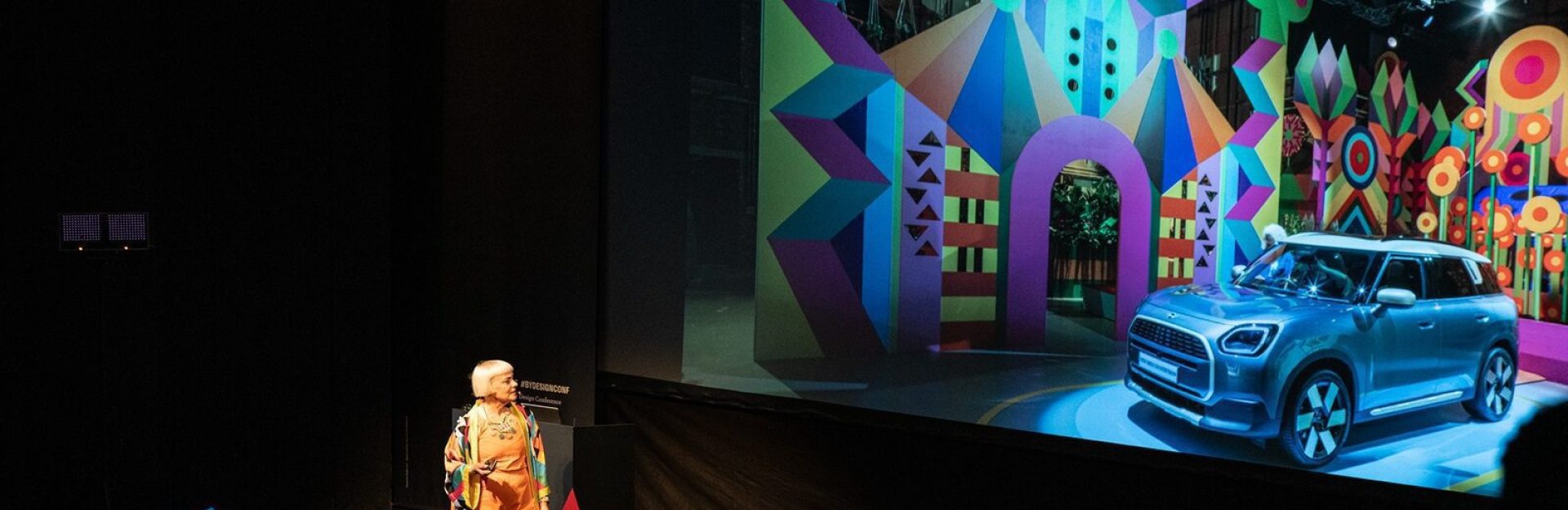
For larger venues, the best choice is a LED screen. A commonly used size suitable for medium-sized conference halls is 5 x 3 meters. However, we often build setups as large as 20 x 4 meters, where the LED screen spans an entire wall. On such a large canvas, we can layer multiple video feeds—allowing you to project a live camera feed alongside a presentation in two windows simultaneously, ensuring better visibility for the entire audience. Thanks to media servers, we can manipulate the visuals and design various layouts of video layers for each presentation.
What the presenter sees:
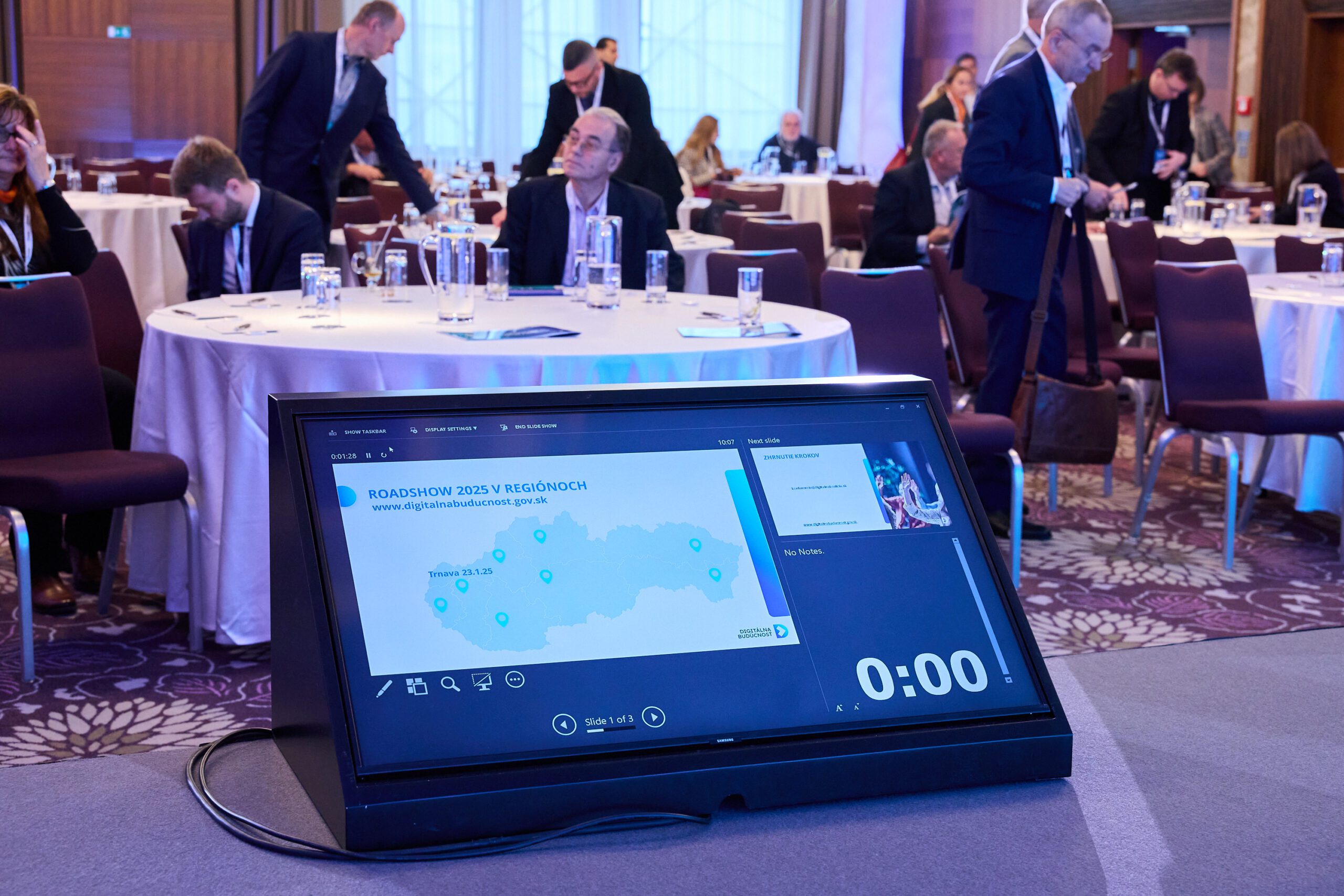
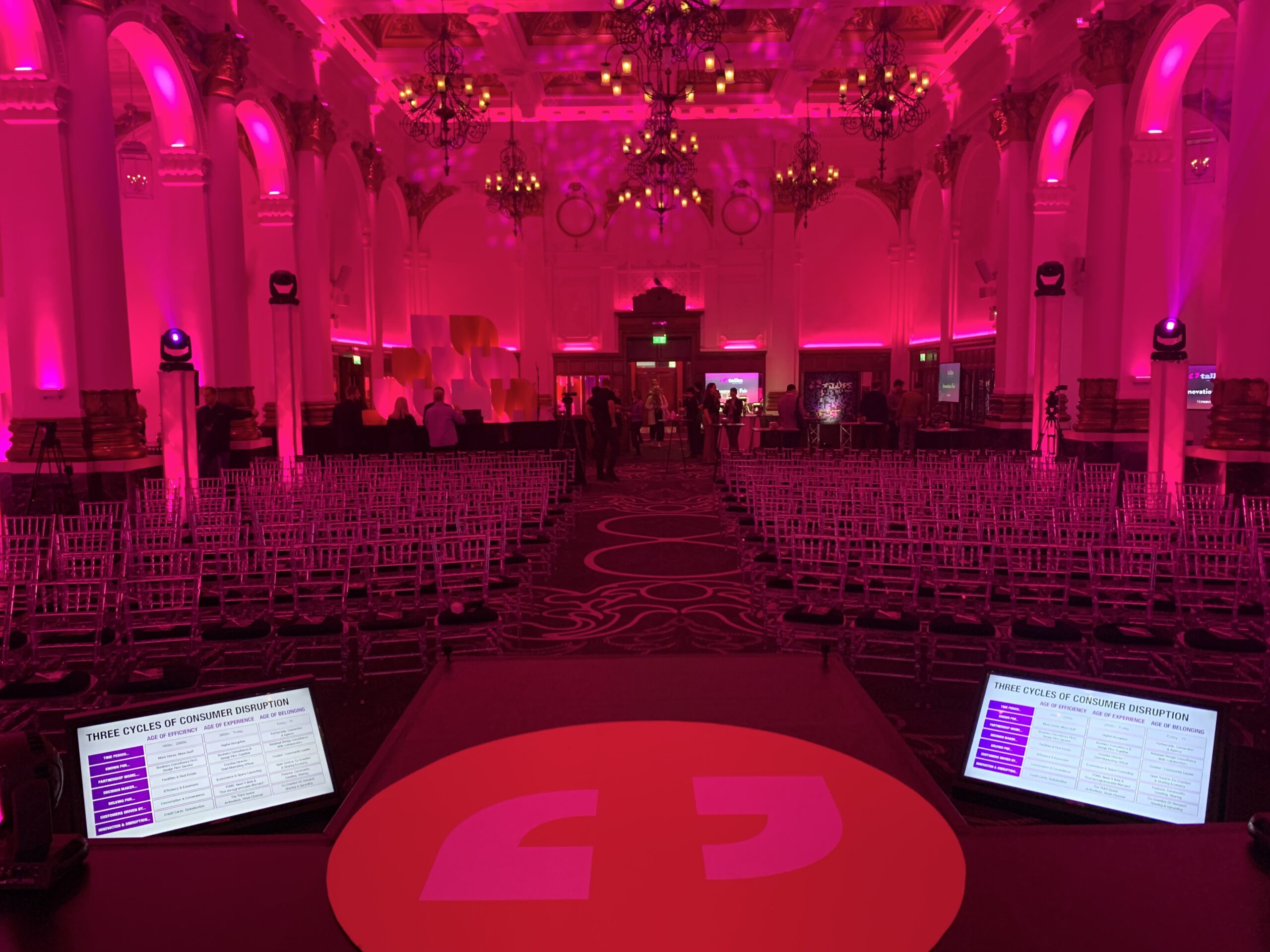
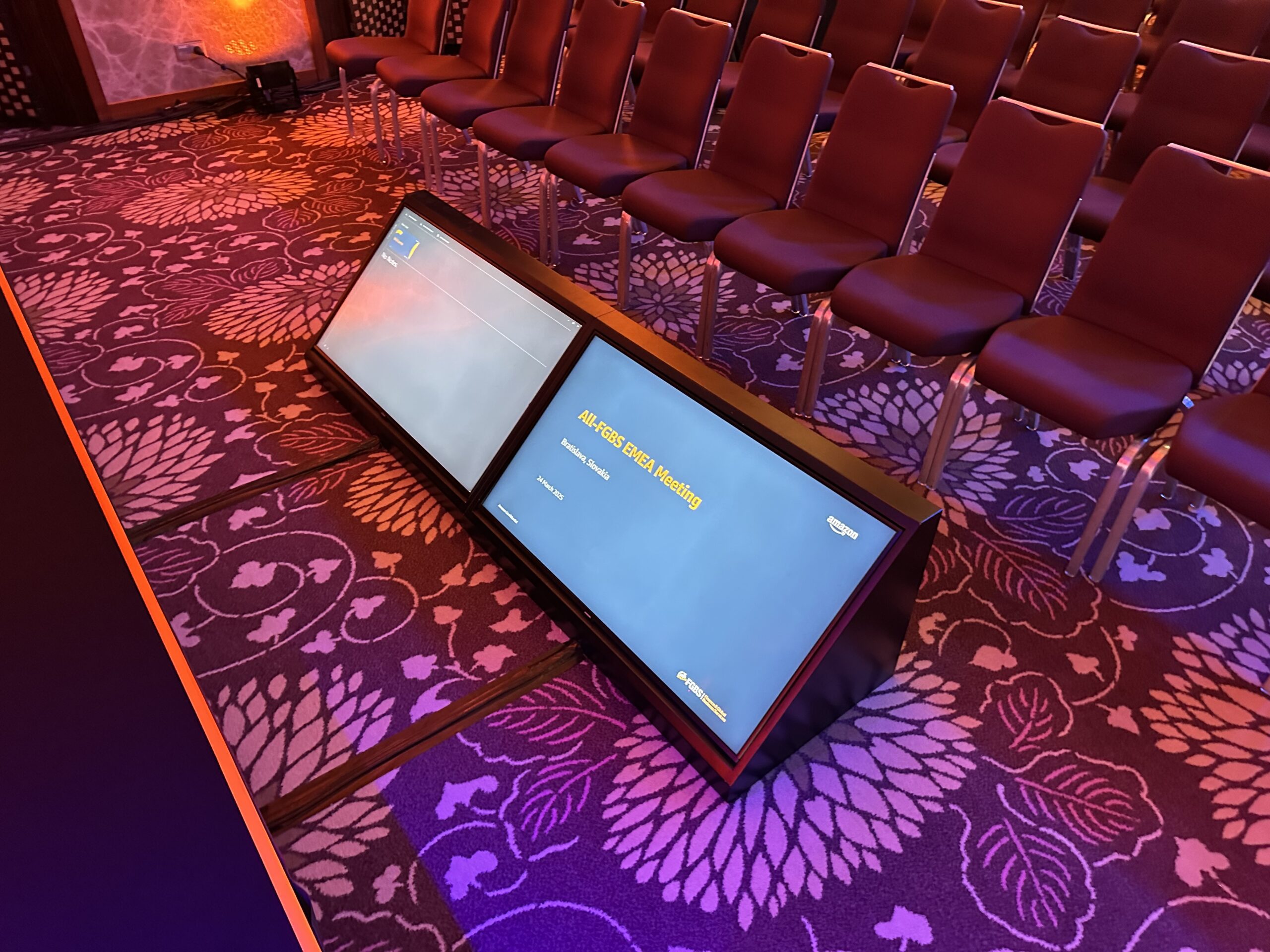
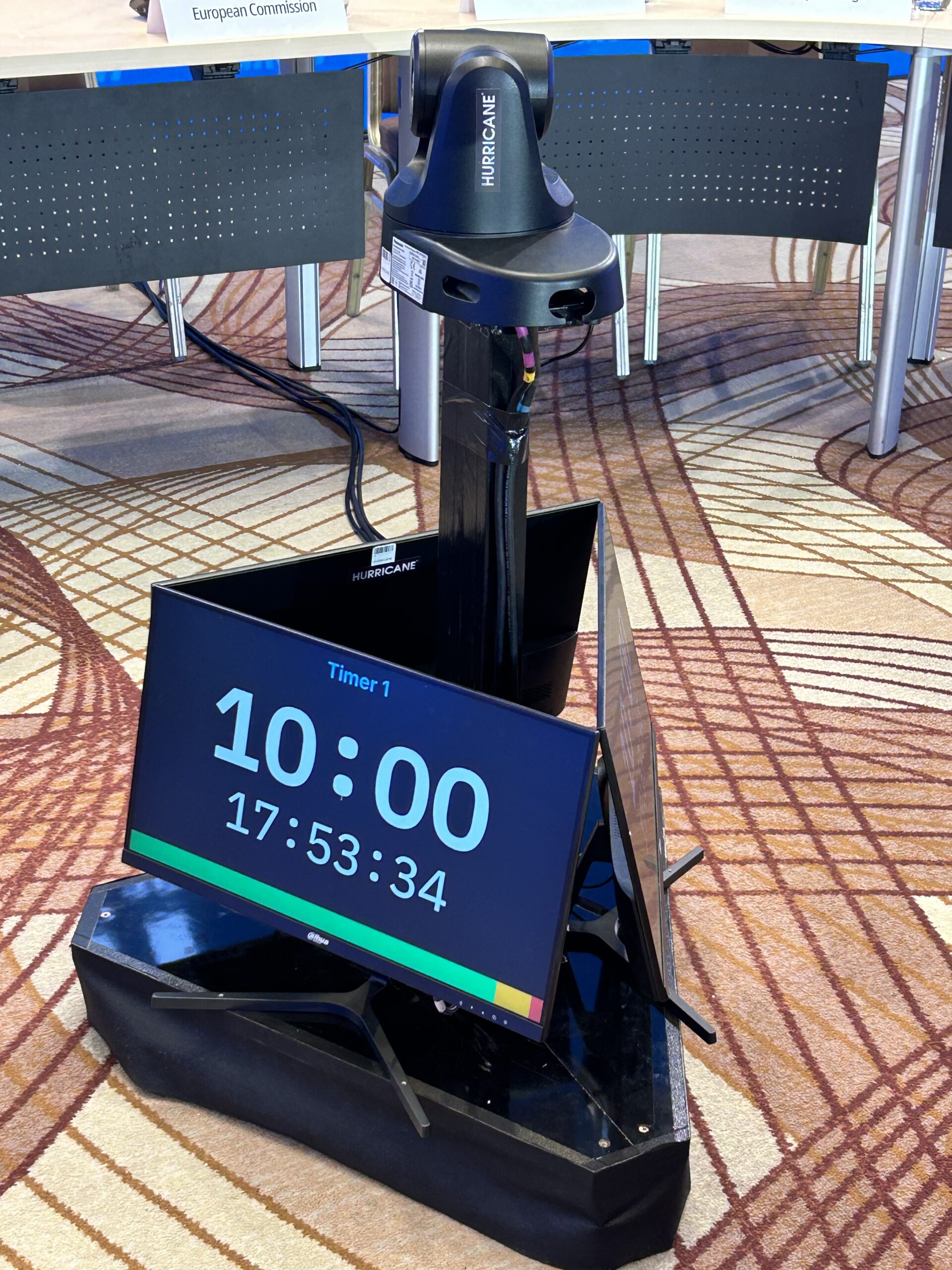
The content and structure of a presentation are important not only for the audience but also to help the presenter stay on track. It’s quite common to see presenters turning toward the screen to read, or referring to paper notes—which doesn’t come across well, especially on camera, as they’re not looking into the lens.The solution? A preview LCD monitor. This is a standard LCD TV embedded in a sleek black casing placed on stage. It allows the presenter to view their notes, the current slide, a timer, and more. In some cases, we use two or three of these monitors, each showing different information. We also offer professional teleprompters, which are mounted in front of the camera lens—enabling the presenter to read their notes while looking directly into the camera, just like in a TV newsroom.
Useful tools:
A clicker is a small remote control that allows you to move forward or backward through the presentation slides—avoiding the need for prompts like “next slide, please.” We use clickers from the UK-based company Interspace Industries, a market leader in this field. With external antennas, they have excellent range and can control two computers simultaneously—a primary and a backup.
To highlight or point out specific parts of a slide, we use a device called a pointer. Traditional laser pointers aren’t strong enough to be visible on LED screens, so we use a digital pointer connected to the presentation computer. When aimed at a point on the slide, it highlights the area while dimming the rest of the screen.
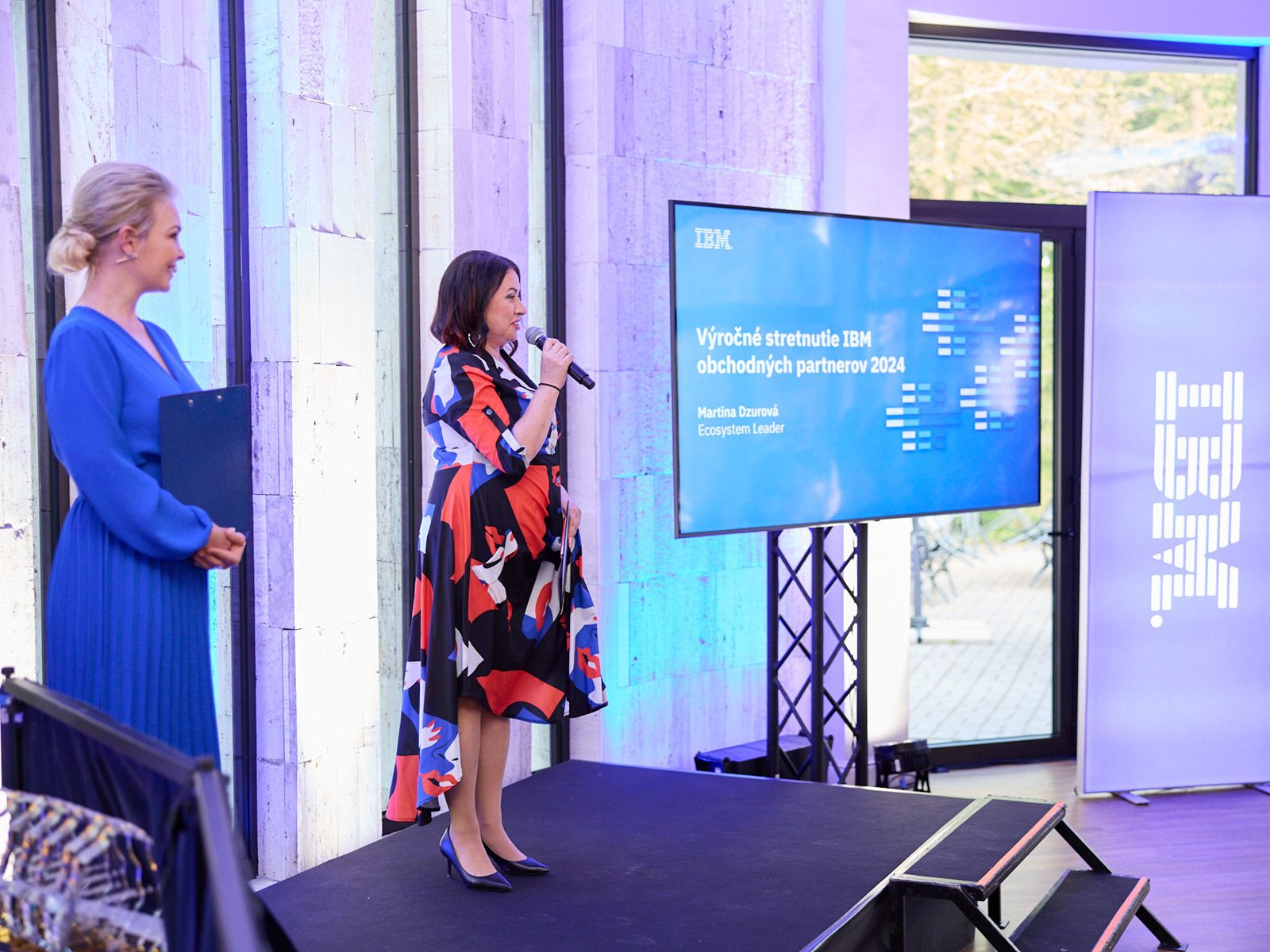
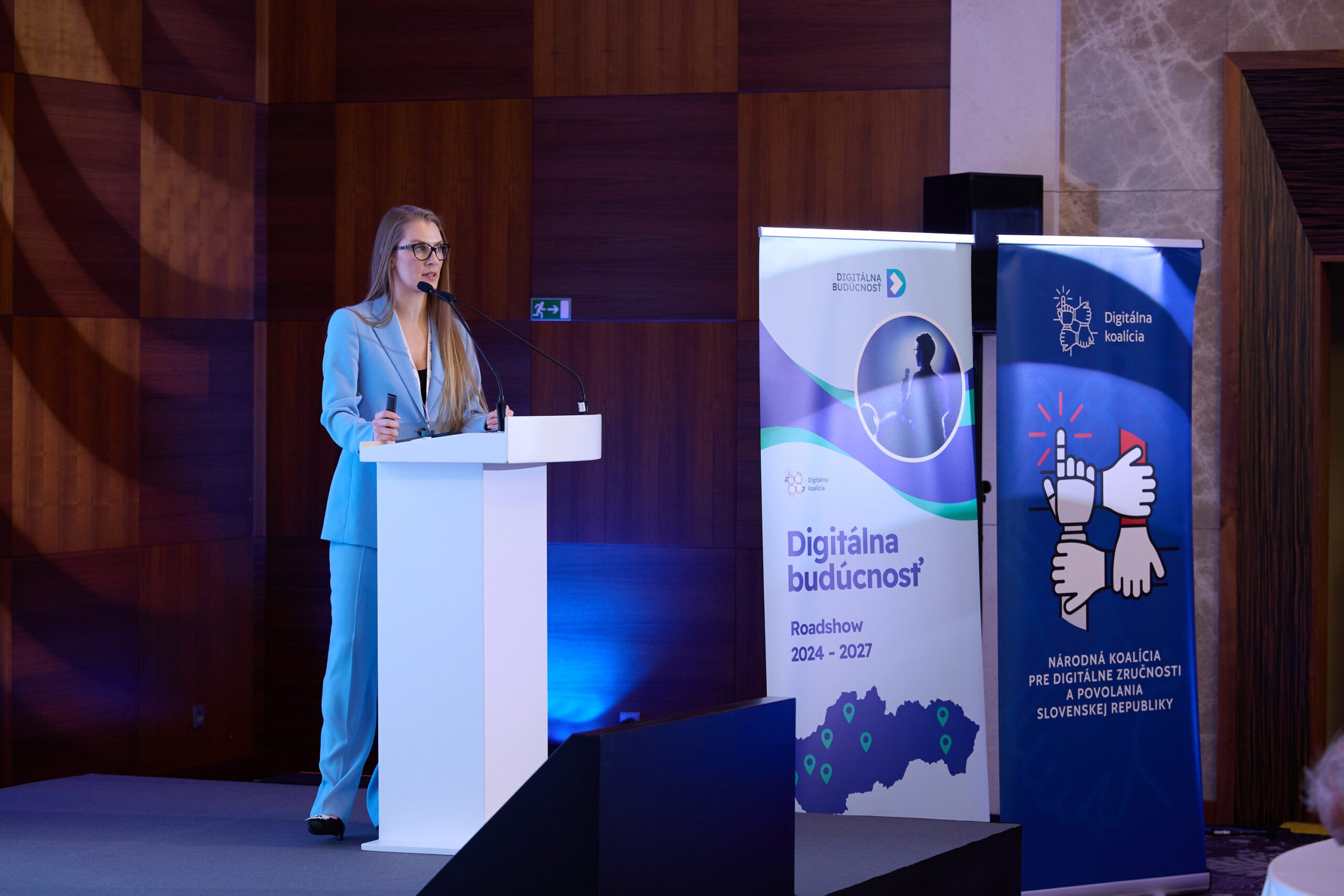
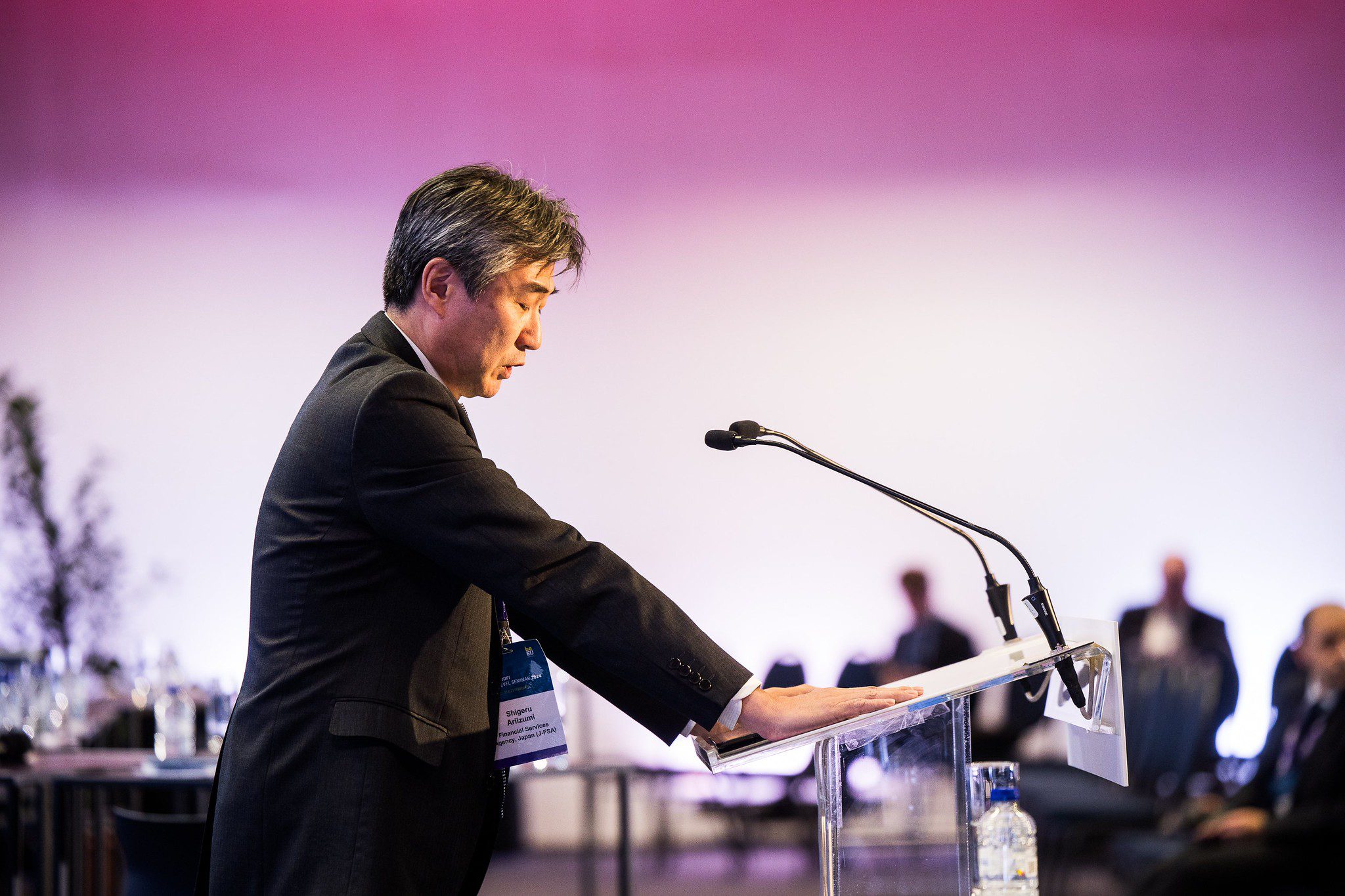
A lectern is an elegant solution for presenting. It can be equipped with microphones, computer connections, and even a built-in display to show the event name or speaker’s name
Working with light and sound:
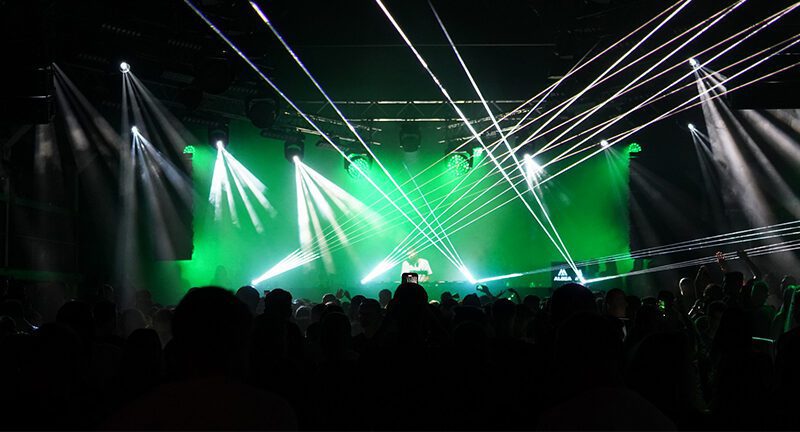
The key goal of a presentation is to deliver information in a compelling way and capture the audience’s attention. Light and sound are powerful tools in achieving this. For example, when playing a video, dimming the lights can create a cinema-like atmosphere. A speaker’s entrance can be accompanied by dynamic music and a light show. The room’s lighting can match the color scheme of the slides—for instance, if you're showing results in red figures, the entire hall can momentarily turn red and then return to neutral lighting.Celebrating last year’s sales success? We can play a video with fireworks and dynamic music, accompanied by flashing lights throughout the room—creating a memorable emotional impact for your team.Want the audience to participate? Use a Catchbox microphone—a soft foam cube with a built-in mic and transmitter. It's lightweight, safe to toss, and fun for the audience to pass around during Q&A sessions.
Conclusion:
There are countless technological ways to elevate a stage presentation. In this article, we’ve highlighted the most commonly used tools and methods we implement in practice. Don’t hesitate to reach out to your tech provider and take full advantage of the possibilities available.
Article author : Tomáš Forgáč, Executive Director